A screen that feels like yours.
Warm Porcelain or softly lit Glass. Light or dark. Arrange your clock and widgets across the screen, with room to breathe.
A NATIVE PRIVACY SCREEN FOR MAC
Cover your desktop. Keep your Mac awake.
Bring only the details you want into view.
Universal Mac preview · MIT licensed · Not notarized
A pause for your screen.
A little of your world in view.
SUNDAY, OCTOBER 4
20:24Touch ID or your Mac password
Porcelain: warm tones and quiet typography. A web illustration with sample widgets, not a native screenshot. App in development.
THE NATIVE EDITOR, IN VIEW
Native SwiftUI view exports from the development build. A visual showcase, not a recording of gestures, authentication or live source connections.
Read the transcript ↗FOUR WAYS TO FIND YOUR QUIET
Two official themes. Light and dark. The same screen, made yours.
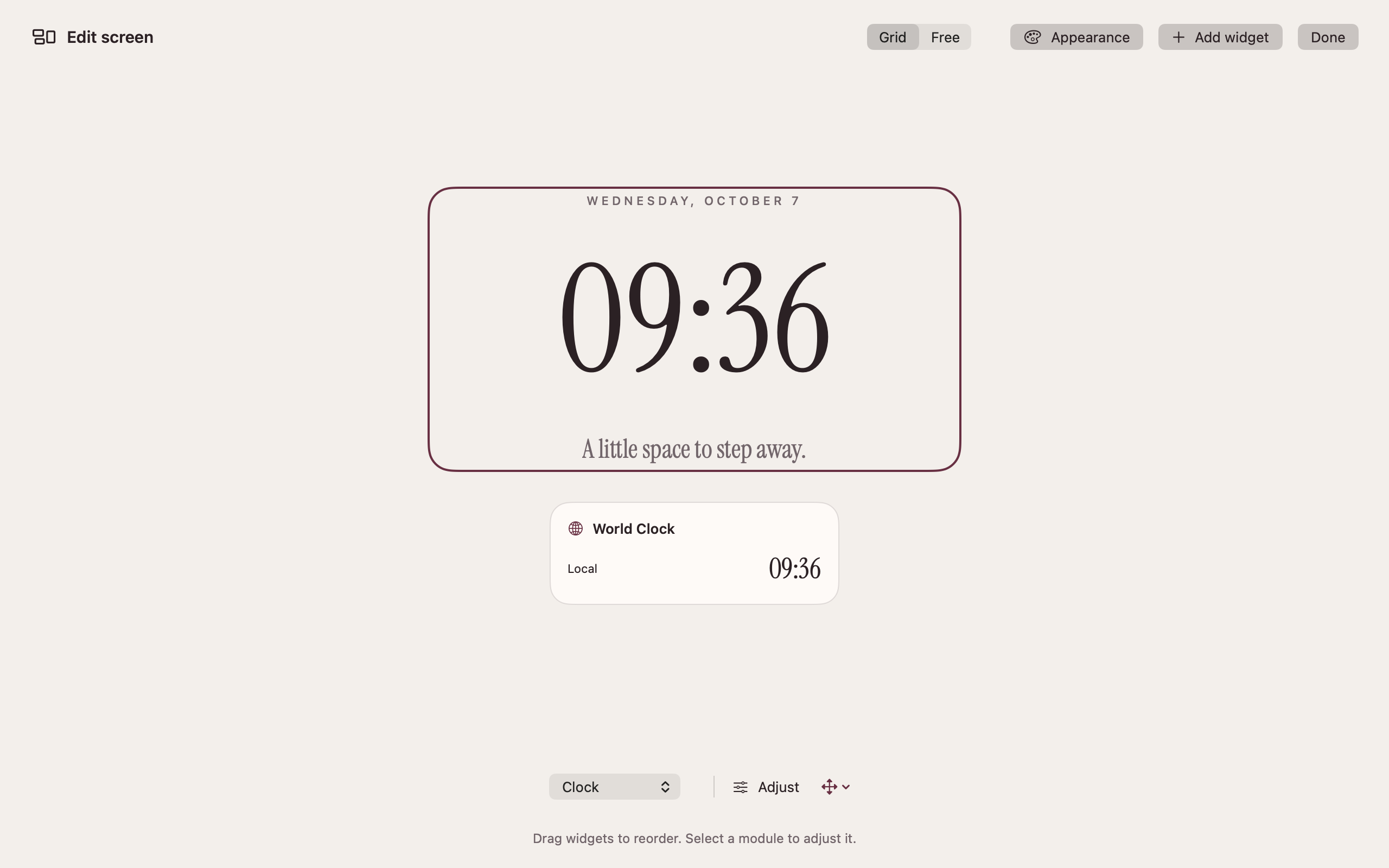
Warm ivory, burgundy accents and a quiet serif clock.
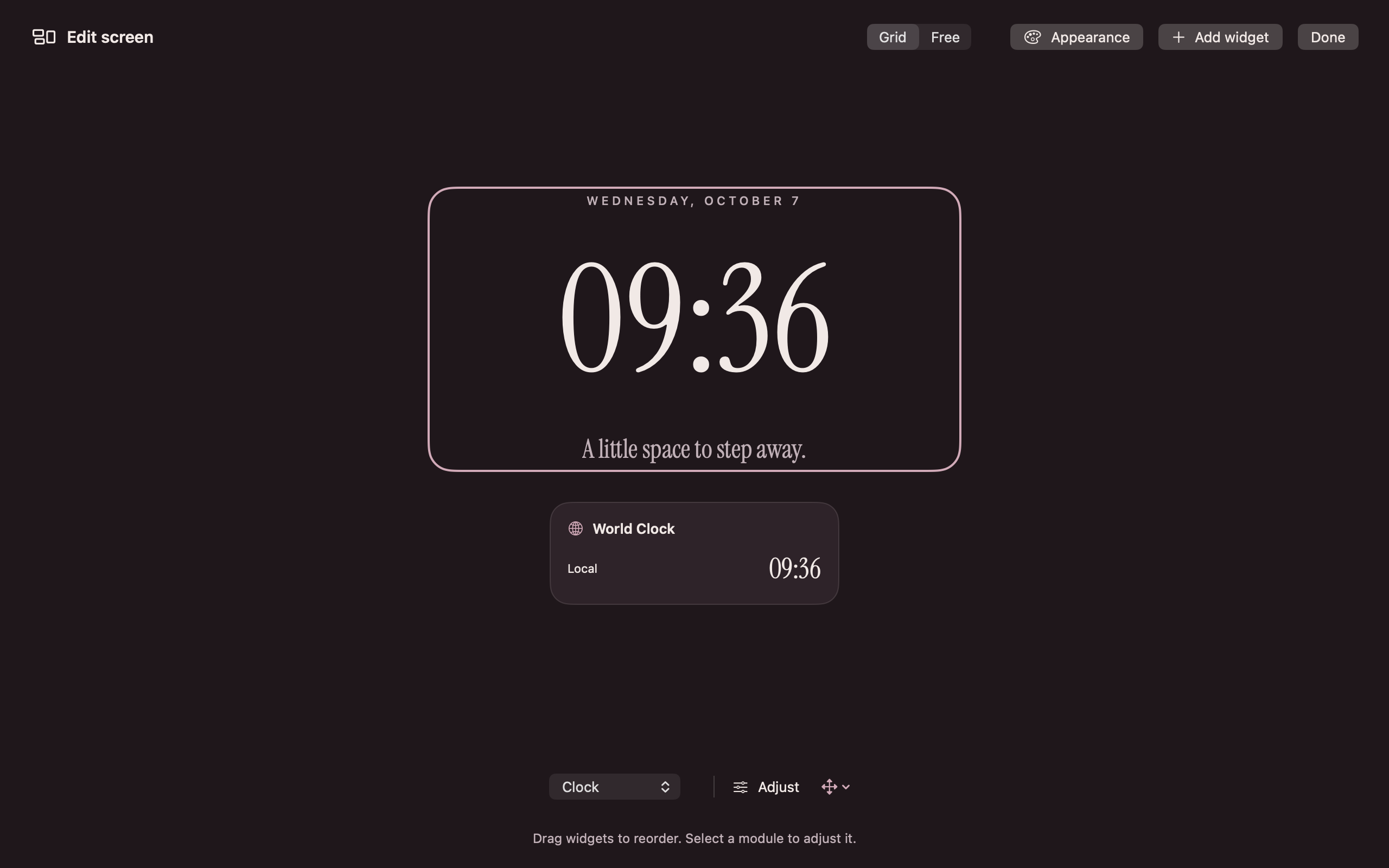
A deeper palette for a softer evening screen.
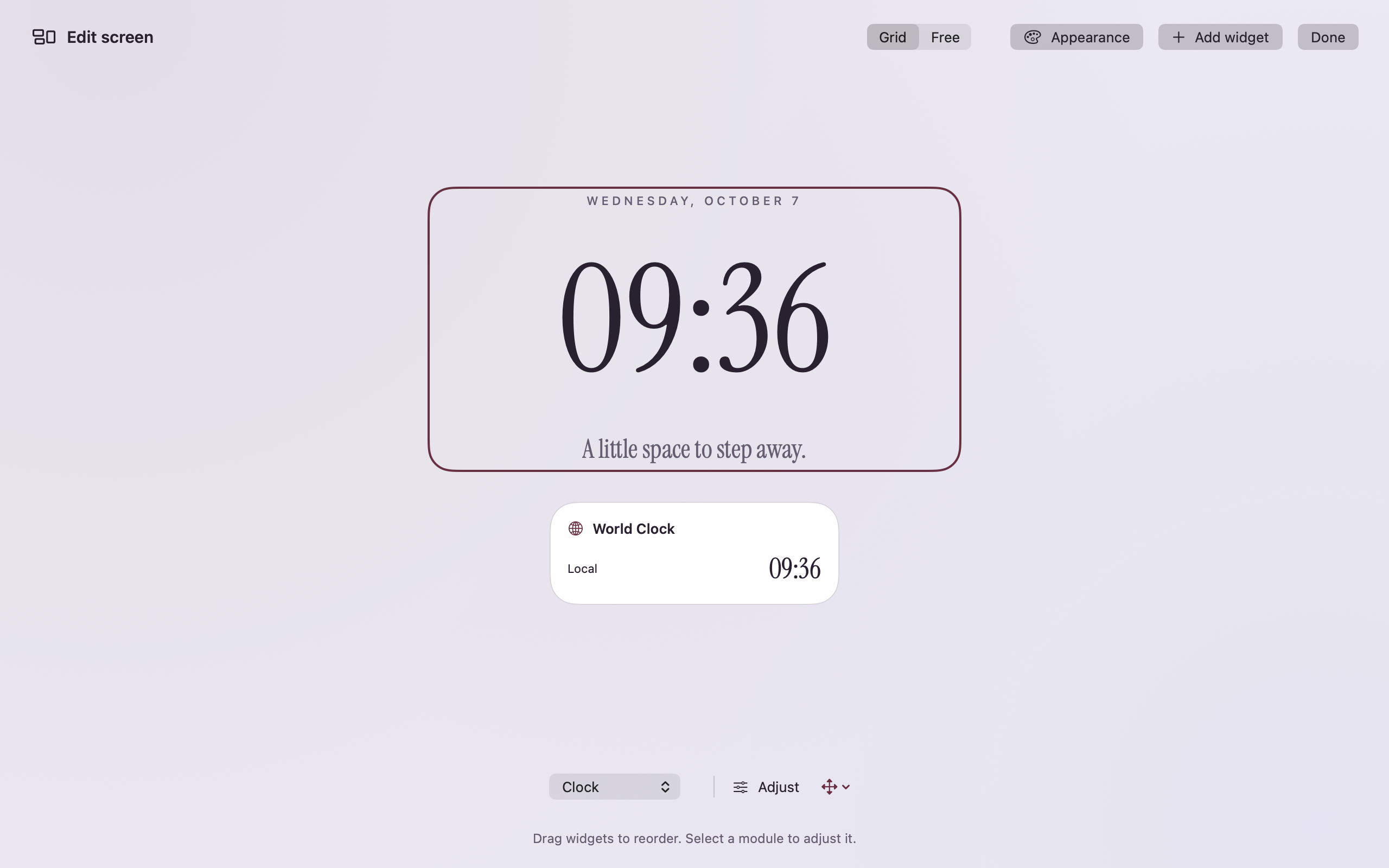
Soft light and restrained native materials.
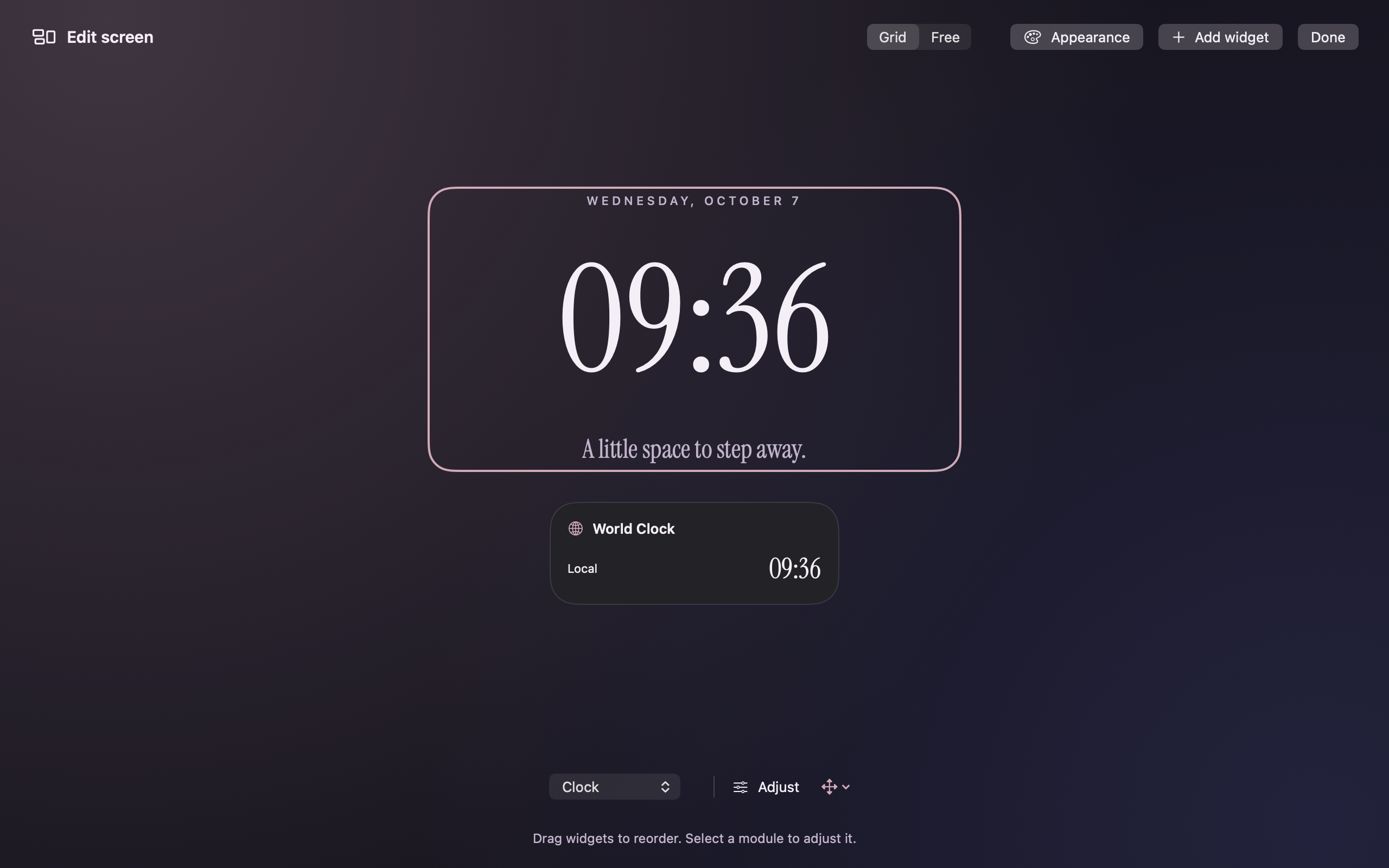
A dark canvas with space for the details you choose.
Offscreen SwiftUI/AppKit view exports with a scratch configuration. These show native appearance, not recorded interaction, authentication or live integrations. Select an image to view it full-size.
LESS NOISE. MORE INTENTION.
A build is running. A track is playing. You’re taking a moment. Still gives your desktop a calmer face, with just the details you choose. It covers the screen without pausing your apps itself.
THREE SMALL STEPS
Pick a theme. Connect the widgets you need. Arrange them in Grid or Free layout.
Use the menu bar, or let an inactivity interval bring Still into view.
Use system authentication to return. Still releases its keep-awake request.
Warm Porcelain or softly lit Glass. Light or dark. Arrange your clock and widgets across the screen, with room to breathe.
While Still is active, it requests that your Mac and display stay awake. Show it from the menu bar or after a period of inactivity.
Return with Touch ID on supported hardware or your Mac password in the system dialog. Authentication stays with macOS.
YOUR SCREEN. YOUR COMPOSITION.
Ten optional native plugins, each with its own settings. Keep an eye on agent quota and recent signals, a build, your next event or Spotify playback. Move and resize the modules across your screen.
Explore the native collection ↗A FEW THINGS TO KNOW
Still is a visual privacy curtain, not the macOS security lock. Desktop and Mission Control gestures can expose windows in the development candidate. Use the system lock when you need to secure your session.
Still does not pause your apps and requests that the Mac stay awake while covered. Task progress depends on each app and its connection. Closing the lid, manual Sleep and system overrides remain available.
Optional account quota and recent anonymous activity signals from configured Codex and Claude sources. They do not display conversations or decide approvals. Connect only what you want.
An experimental preview is available for Apple Silicon and Intel. It is ad-hoc signed and not notarized. See availability and compatibility, or follow development.
BUILT IN THE OPEN
Two themes, ten native plugins and a configurable screen. Share focused feedback from your Mac.
Refine native interactions and source connections through real testing. Build repository-first plugin discovery, with reviewed installation from Settings and the CLI.
Personal Developer ID signing, notarization and clean-install checks before the beta. Automatic updates follow a defined release contract.
BUILT FOR THE MOMENTS BETWEEN
Try the experimental preview. Build with the open-source app and developer SDK.
Try the previewPorcelain and Glass · Ten native plugins · MIT licensed